Groove Music Cube
Unlock Your Musical Journey
Overview
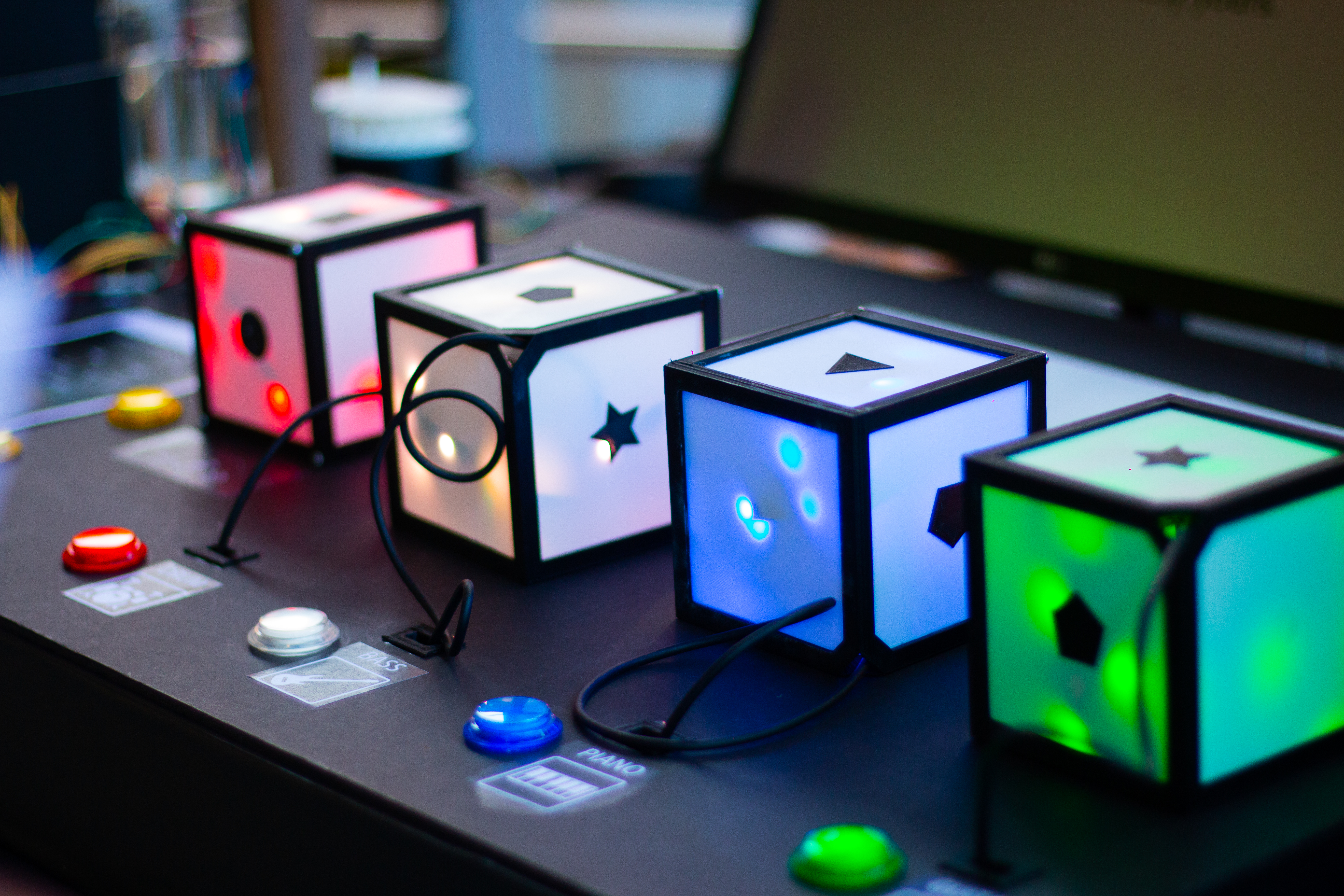
Groove Music Cube is a tangible music creation installation designed to help beginners explore music without requiring prior knowledge of music production. It transforms digital music controls into physical interactions, allowing users to experiment with musical arrangements and sound effects through hands-on exploration.
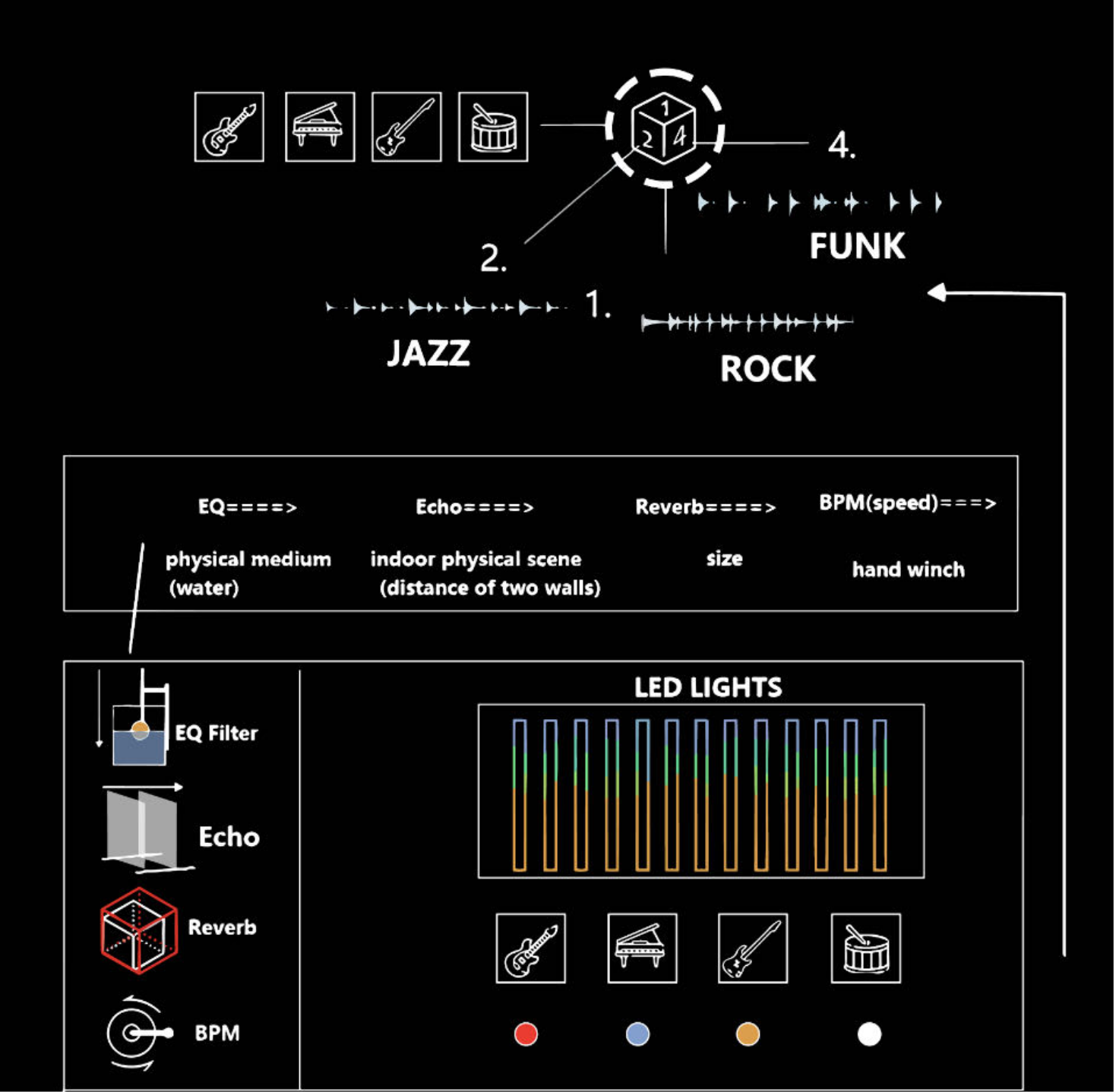
Through four interactive cubes representing bass, drums, guitar, and piano, users can combine different musical loops simply by rotating the cubes. Additional physical controllers enable them to explore sound effects such as reverb, echo, and equalization, while sound-responsive LED lighting provides visual feedback.
How It Works
Interaction demonstration of the Groove Music Cube system.
01 / Instrument Interaction
Instrument Cubes
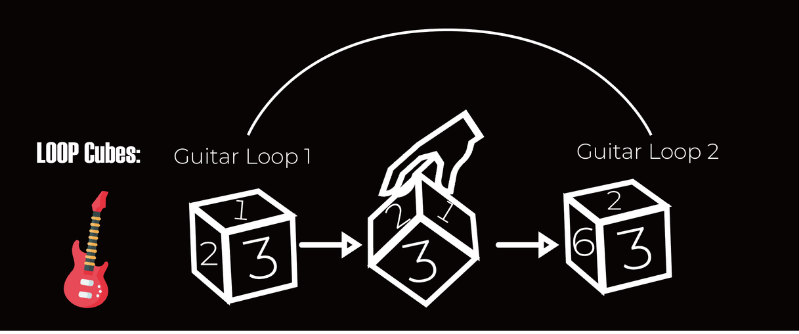
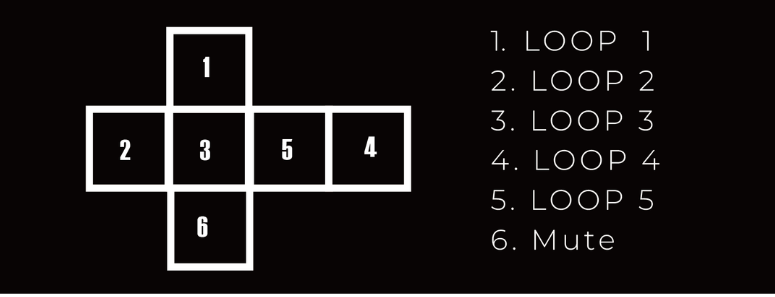
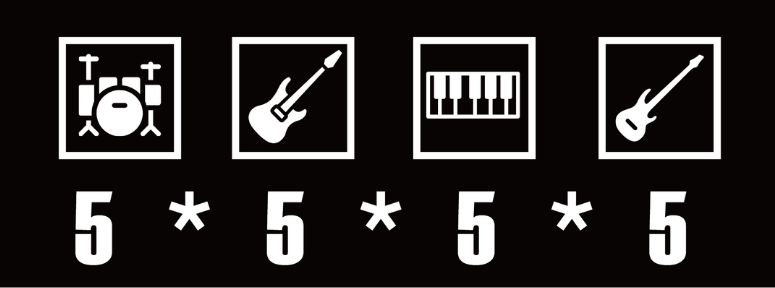
Each of the four cubes represents a different instrument: drums, guitar, piano, or bass. Rotating a cube allows users to switch between five musical loops, while the sixth face mutes the instrument.
By freely combining loops across the four cubes, users can explore different musical arrangements through simple physical interactions.
02 / Sound Manipulation
Physical Effects & Visual Feedback
Four physical controllers translate audio effects into tangible actions, allowing users to explore EQ, echo, reverb, and tempo through physical manipulation.
EQ: Changing the physical medium.
Echo: Adjusting the distance between two walls.
Reverb: Stretching the frame to change its size.
BPM: Turning a hand winch to adjust the tempo.
Sound-responsive LED lighting provides visual feedback that changes with the music's intensity, complementing the auditory experience.
Process
01 / Iterative Prototyping
Exploring different cube structures, materials, and enclosures through rapid prototyping.
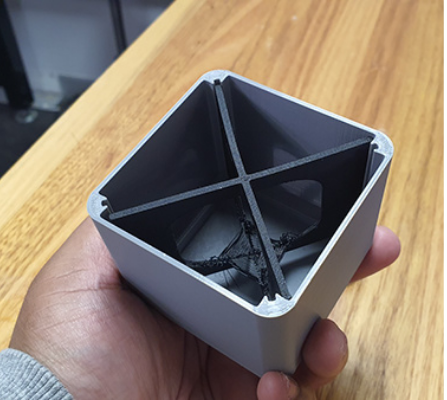
Iteration 01
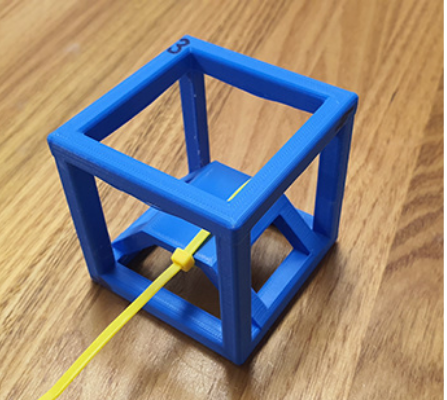
Iteration 02
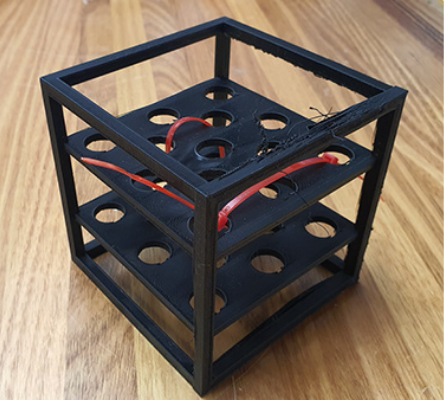
Iteration 03
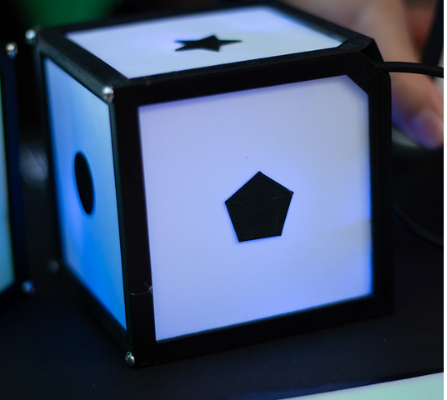
Final Cube
02 / Interaction Prototyping
Testing tangible input mechanisms through cube manipulation, physical buttons, and sliders.

Cube Interaction

Button Interaction
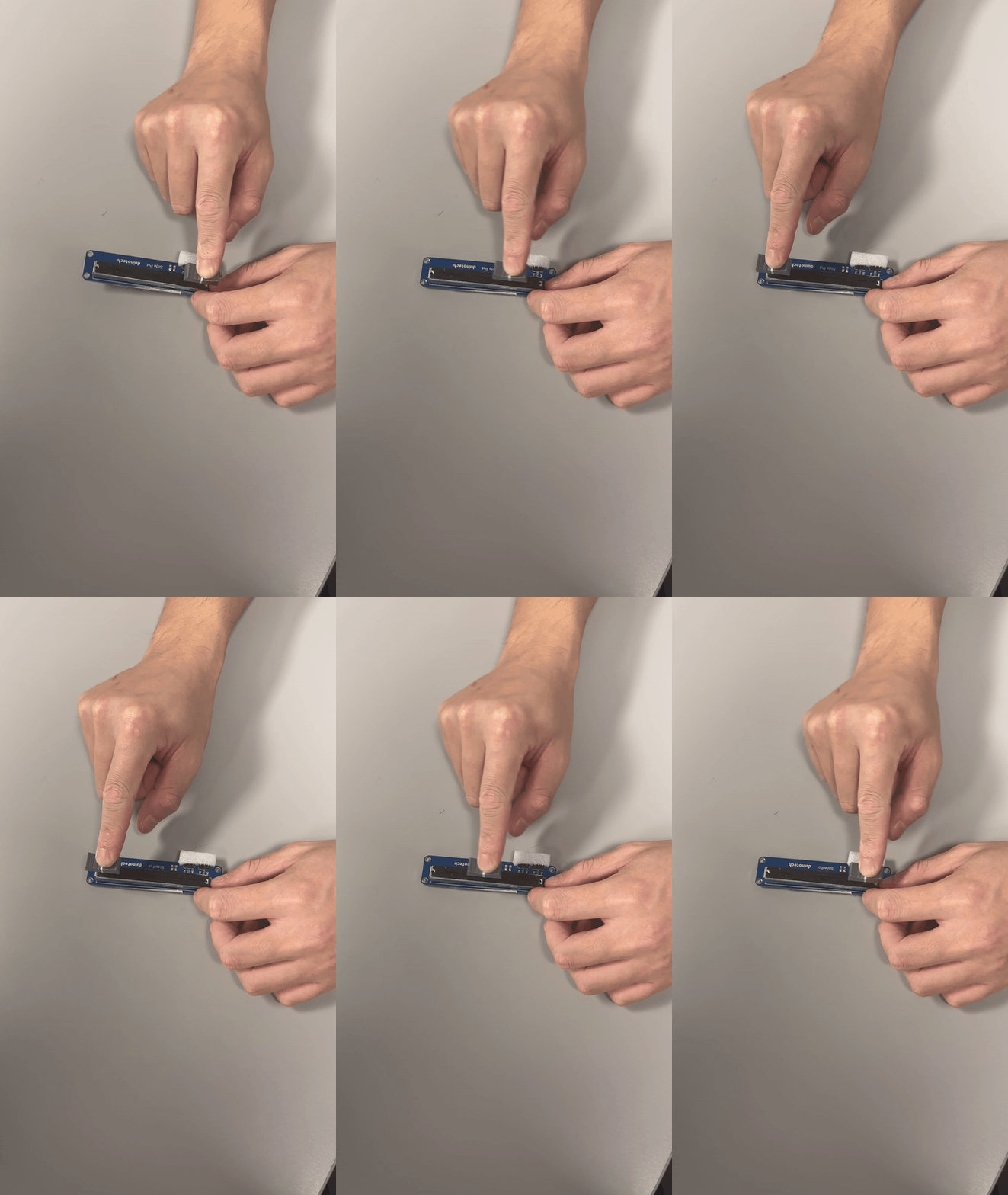
Slider Interaction
03 / System Integration
Integrating physical structures, electronics, MIDI controls, and sound-responsive lighting.
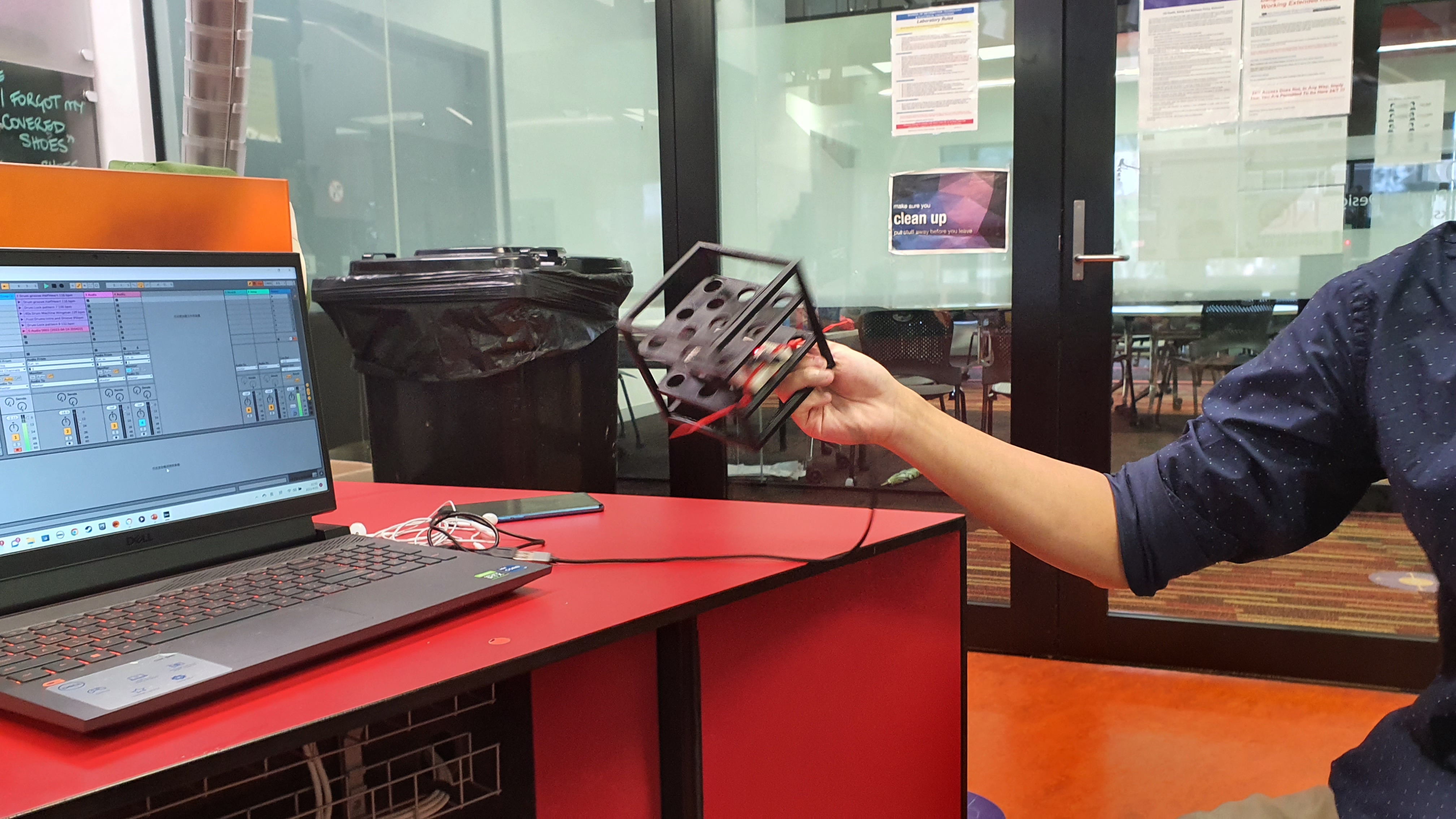
Effects Prototype
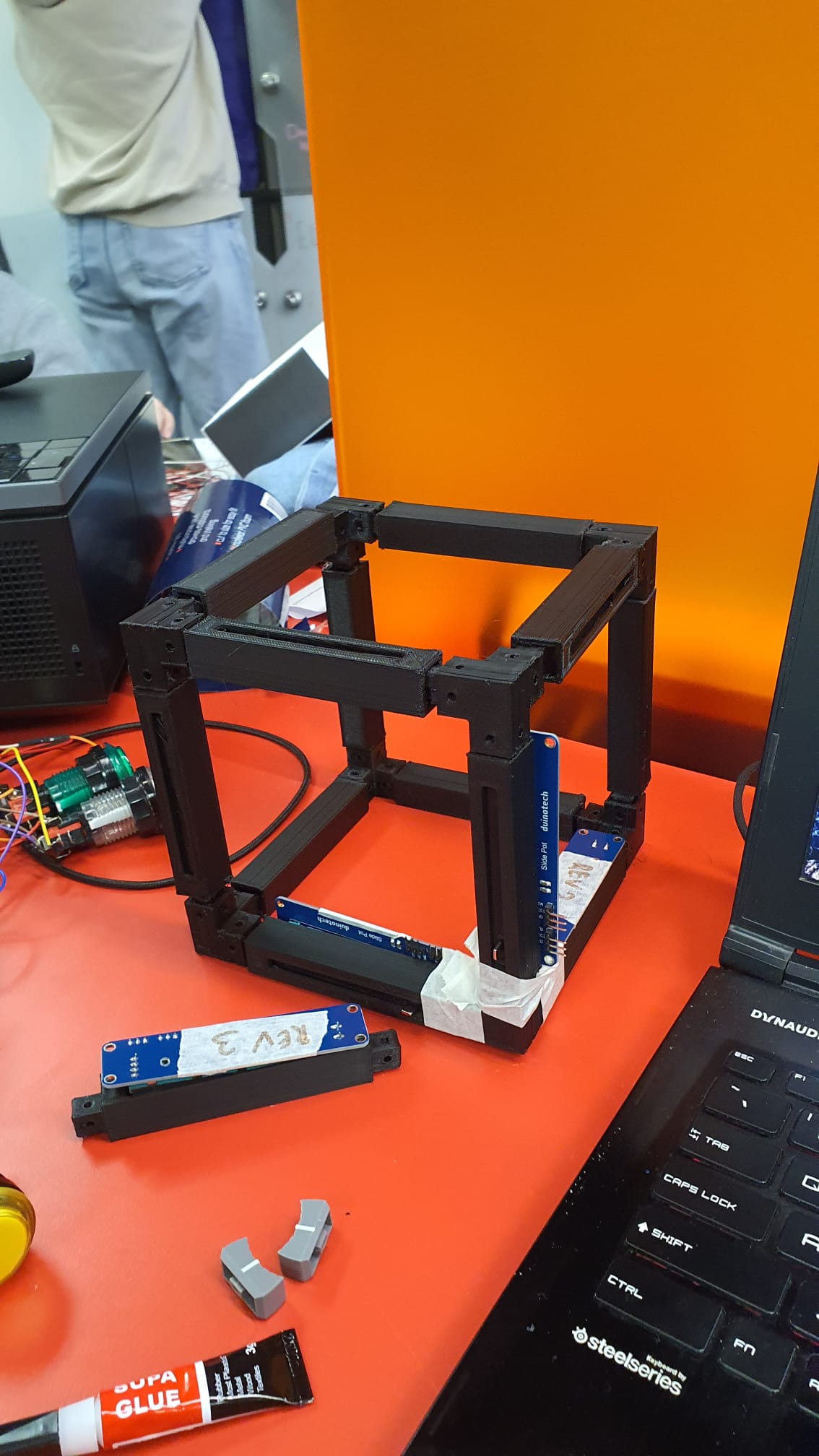
Frame Construction
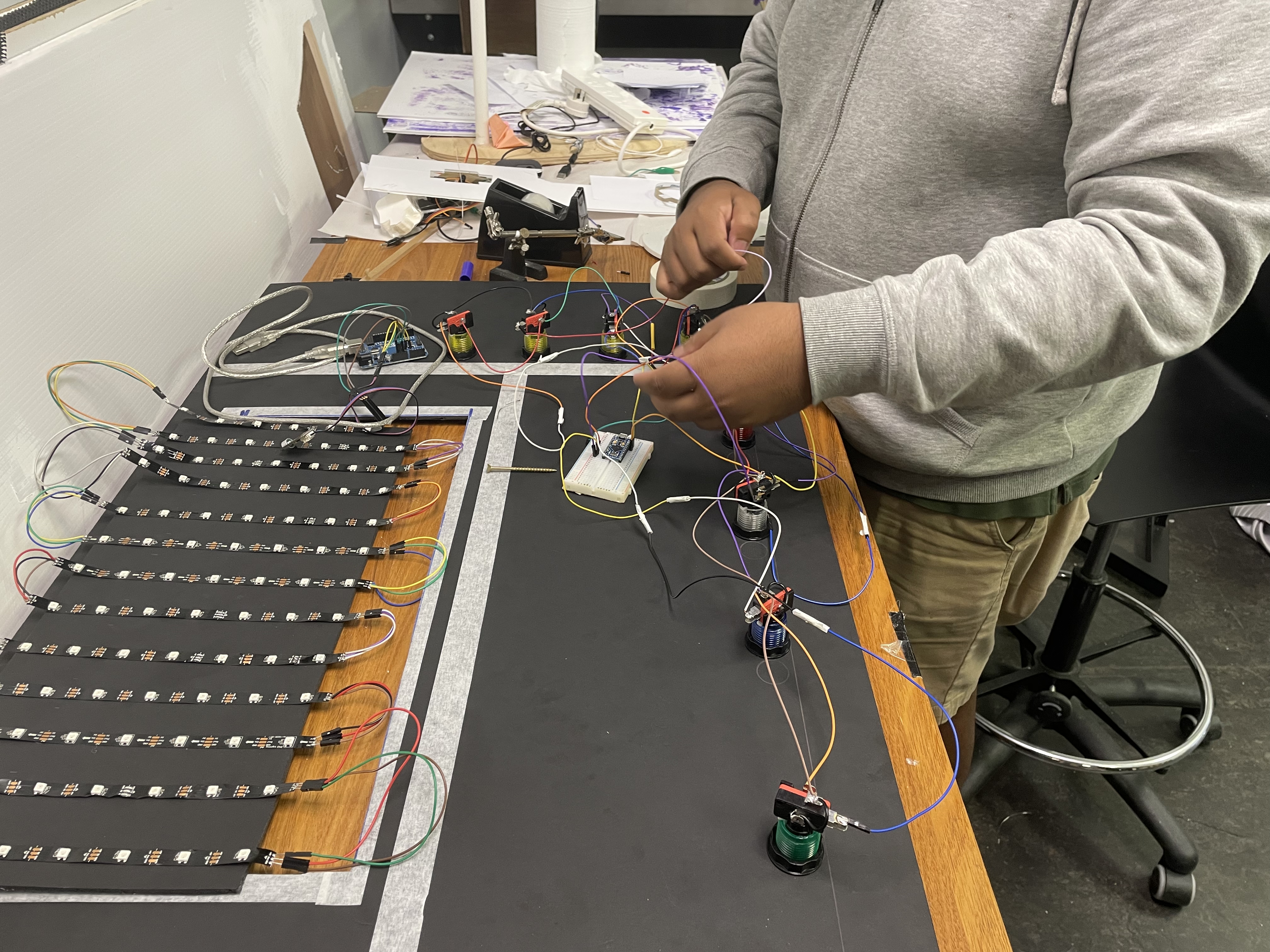
Electronics
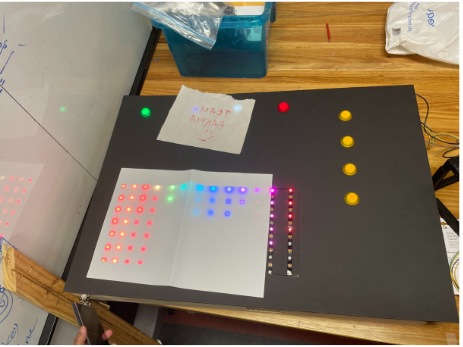
LED Feedback
Gallery


